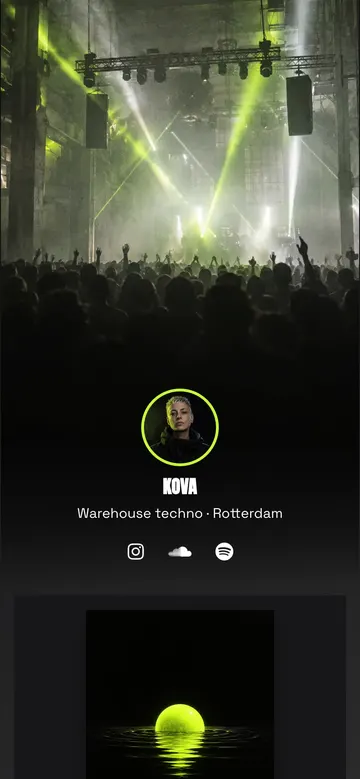
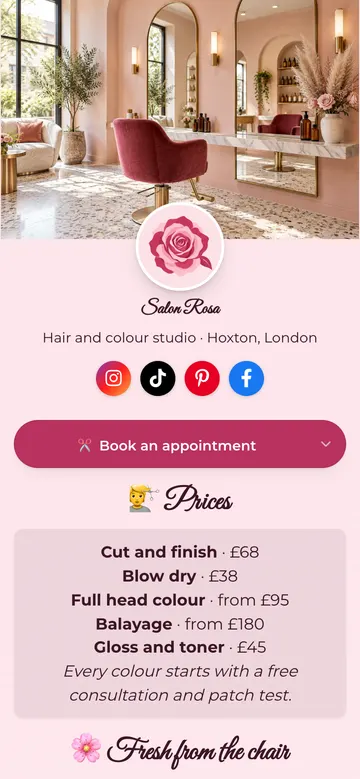
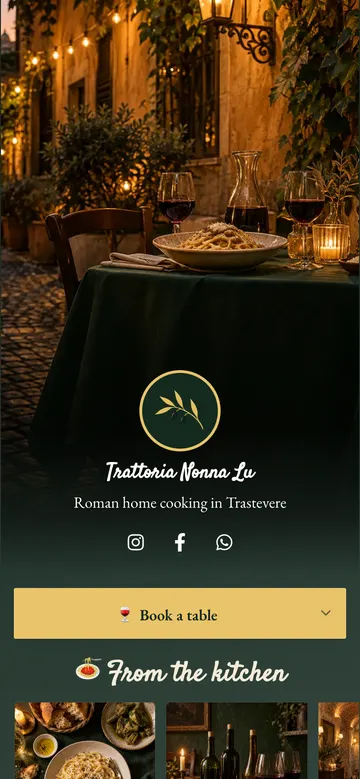
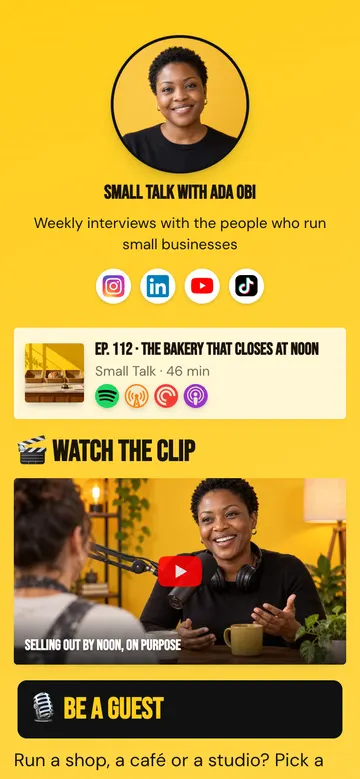
Link in bio page builder Build a bio page as good as your work.

Videos that play, products with prices, tour dates, bookings and sign-ups, all in your colours and fonts. Start from one of 24 templates and make it yours.

Free plan, no credit card. Your page is live in minutes.

Trusted by 50,000+ creators and marketers

Make the page look like you

Start from a palette, then change any colour. Pick fonts for headings and text, round the corners or square them, and add a cover photo or a short looping video.

29
palettes, every colour editable
43
fonts for headings and text
24
templates

Palette Sunset

Colours tap any to customise

Heading font Poppins

  • Social icons in three styles, for 25+ platforms
  • Colours, borders and alignment for each block
  • A live preview while you edit, with undo and redo

31 blocks

Everything you make gets its own block

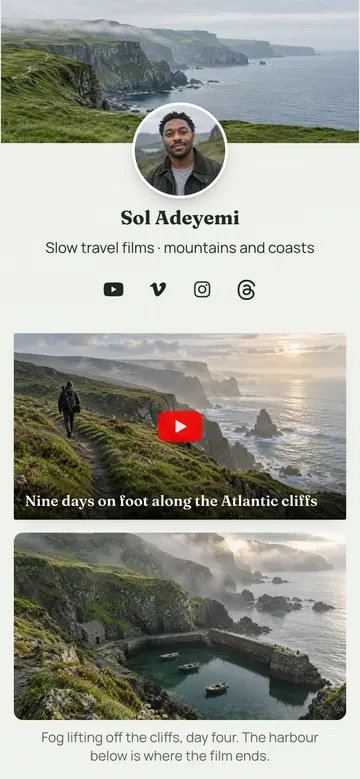
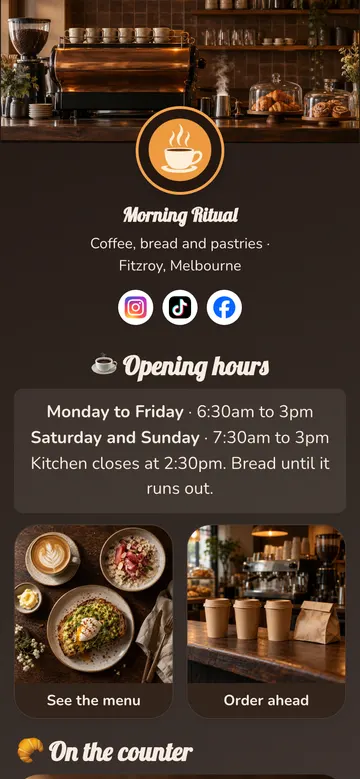
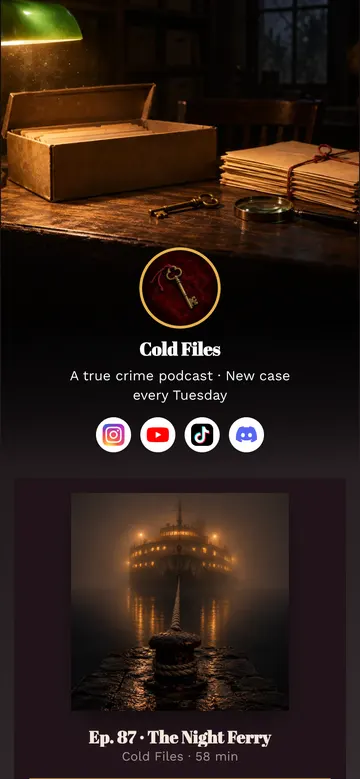
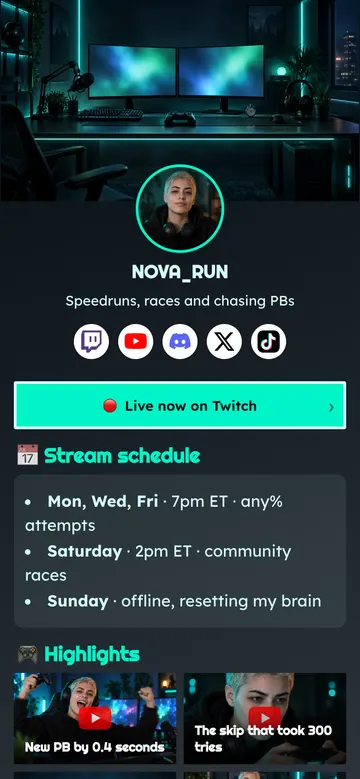
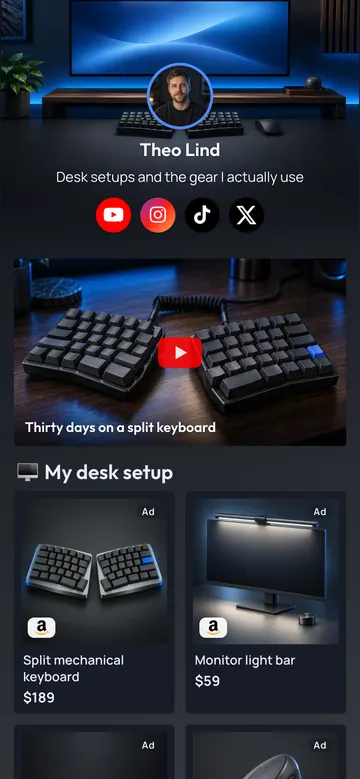
Not a list of buttons. Each block shows the thing itself: the video with its thumbnail, the product with its photo and price, the release with its cover. Add the ones you need and drag them into order.

Videos

Your newest upload appears on its own. You set the block up once.

  • YouTube Video

    Videos you pick. A tap opens them in the YouTube app.

  • Latest Video

    Shows your newest uploads on its own. Set it up once.

  • Playlist

    A row of videos from any playlist, kept in order.

  • Video player

    Vimeo, TikTok, Twitch and Facebook videos, played right on your page.

Music and podcasts

One release or one show, on every service.

  • Music Link

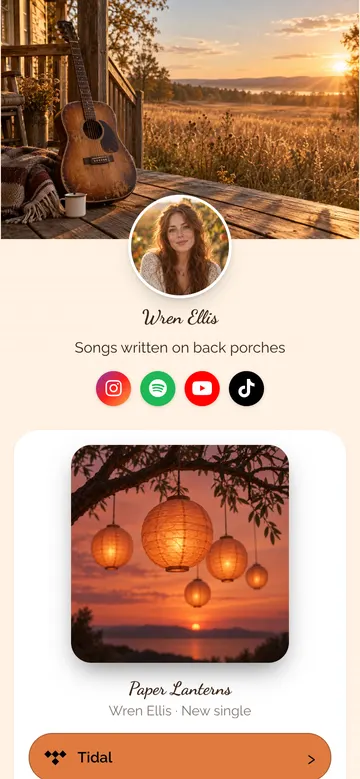
    Your release on every streaming service. Listeners pick theirs.

  • Podcast Link

    Your show in every podcast app, in a single block.

  • Music player

    A Spotify, Apple Music, SoundCloud or Audiomack player. Visitors listen without leaving.

Things you sell or recommend

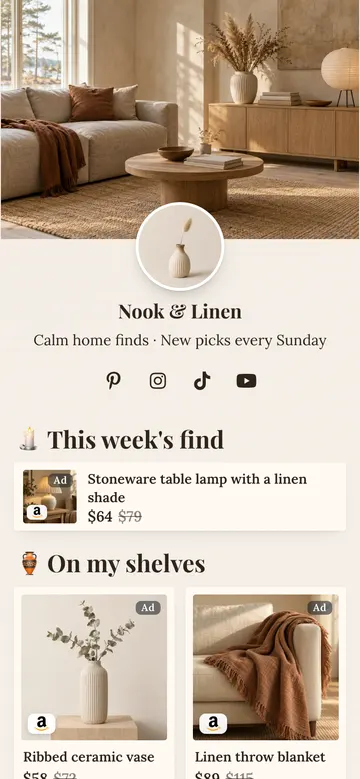
A photo, a title and a price, not a bare link. Amazon links open the shopper's local store.

  • Amazon Link

    Photo, title and price. Opens the shopper's local Amazon store.

  • Reviews

    Quotes from happy customers, with names, photos and star ratings.

  • Product

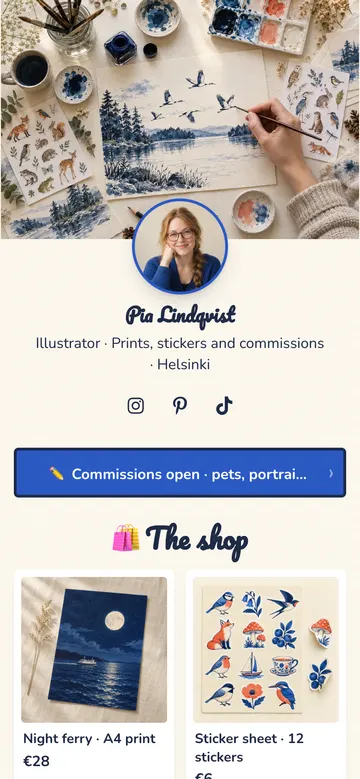
    Anything you sell, with a photo, a price and a button.

  • Course

    A cover, a badge, a price and a clear call to action.

  • Tour dates

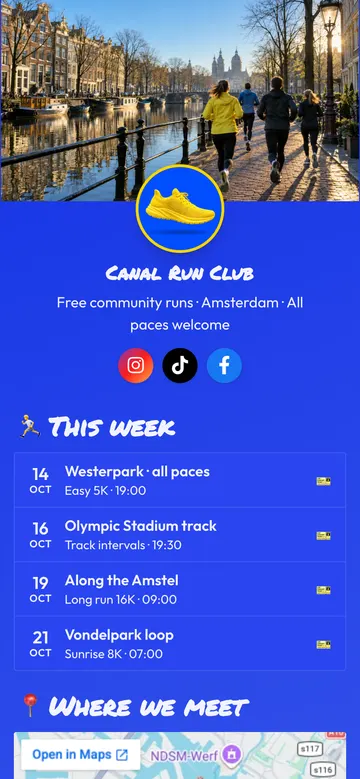
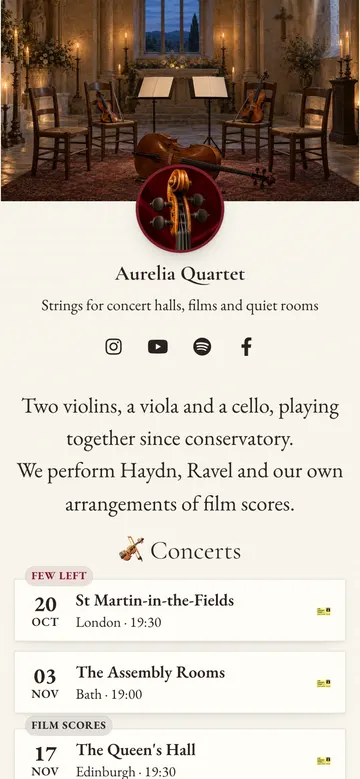
    Upcoming shows, each with its own ticket link.

  • Discount code

    A code visitors copy with one tap, with a link to your shop.

  • App download

    Your app with App Store and Google Play buttons. Each phone gets its own store first.

Ways to reach you

Bookings, messages and subscribers, without the visitor leaving your page.

  • Phone number

    One tap to call you.

  • Contact form

    Messages land in your LinkTwin inbox, and in your email if you like.

  • Contact card

    Your name and details on a card. One tap saves you to the visitor's contacts.

  • Email capture

    Send sign-ups to Mailchimp, Kit, Klaviyo, beehiiv, a Google Sheet or your own app.

  • Calendly

    Visitors book a time without leaving your page.

  • Google Maps

    Show where you are, with one-tap directions.

  • FAQ

    Answers to the questions you get most. A tap opens each one.

  • Embedded form

    A Typeform, Tally or Google Form, filled in right on your page.

Basics

The parts every page needs.

  • Link

    A button to anything. Supported destinations open in the app.

  • Multi links

    Several links side by side, as a grid or a dropdown.

  • Text

    A short intro, an announcement or a disclaimer.

  • Image

    A photo or banner that can link somewhere.

  • Gallery

    Your photos as a grid or a carousel, with a full-screen view.

  • Divider

    A little space and structure between sections.

  • Share

    Visitors pass your page on by WhatsApp, X, email and more.

  • PDF or menu

    A menu, a price list or your CV as a PDF. One tap opens it.

  • Stats

    Your numbers at a glance: followers, clients, ratings.

Start with a few blocks and add more whenever you like.

Create my free page See every block on a real page Compare plans

One page that grows your audience, your income and your list

Here is what you can put on the page, and what each tap turns into.

Videos, music and podcasts

Turn profile visits into views and follows

Feature your best work once. A tap opens it in the app your visitor already uses.

  • A Latest Video block that shows your newest uploads on its own
  • Videos and playlists that open in the YouTube app
  • Music and podcast links where listeners pick their app Included on every plan
See a creator page

Affiliates and sellers

Send every shopper to the right store

A follower taps a product you recommend and lands in their own Amazon store, in the app, ready to buy.

  • One product link, the local Amazon store for every shopper
  • Your affiliate tag for each store, applied for you
  • Products, courses and tour dates with photos, prices and ticket links
See an affiliate page

Businesses and newsletters

Collect emails and bookings on the page

Not every visitor has to leave. They can join your list, write to you or book a time right there.

  • Email signup that can feed Mailchimp, Kit, Klaviyo, beehiiv or Google Sheets
  • A contact form and Calendly booking
  • Tap to call, and a map with directions
See a business page

Put it in your bio on

  • Instagram
  • TikTok
  • YouTube
  • Facebook
  • Threads
  • X
  • Snapchat
  • Pinterest

Links open in

  • YouTube
  • Spotify
  • Amazon
  • Apple Music
  • Apple Podcasts
  • WhatsApp
  • Safari
  • Chrome
See all 100+ apps

And every tap opens in the app

Someone taps the link in your bio. The page opens inside Instagram or TikTok, in a built-in browser that shares none of their logins, saved cards or apps. Every link on that page opens in the same place, so liking, subscribing or buying starts with a sign-in form.

A LinkTwin page hands each tap to the app your visitor already uses, where they are signed in.

3 taps from your bio to a new subscriber, instead of 7 steps on an ordinary bio page

Steps to finish, from the link in your bio

  • Ordinary bio page
  • LinkTwin bio page
Subscribe to your channel
Buy a product you recommend
Save your new song
Counted for a visitor who already has the app and an account. Each block is one tap or one form field.
On your page Ordinary bio page LinkTwin bio page
Your YouTube video Plays on a web page inside Instagram, where nobody is signed in. Opens in the YouTube app, where they can like and subscribe.
Your Amazon picks One store for everyone, wherever they live. Each shopper's local Amazon store, with your tag for that store.
Your shop or sign-up page Loads without saved logins, autofill or Apple Pay. Moves to Safari or Chrome, where all of that works.
What you learn How many people saw the page. Which link each visitor tapped, and where they came from.

Know what worked, and own the address

A bio page is where your audience decides what to do next. LinkTwin shows you what they chose.

Link in bio analytics

Page views next to clicks, the click-through rate of every link, and where your visitors come from.

Who is tapping, and from where

Break every number down, then share the report with a public link.

Your own domain Included from the Medium plan

Put the page on an address you own instead of a shared one.

Subscribers and messages, kept for you

Every signup and every message is saved in your LinkTwin account, ready to export.

Built to be shared

A share button on every page, and a preview card with your name and photo when the link is posted.

How to make your link in bio page

No code, no app to install. Most pages are live in a few minutes.

  1. Claim your address

    Pick a handle. Your page gets its own short address to put in every profile.

  2. Start from a template

    Pick one of 24 templates, for creators, musicians, shops, cafés, coaches and more. Add your content and make it yours.

  3. Paste it in your bio

    On Instagram, TikTok, YouTube or anywhere else. Every tap opens in the right place.

Creators already recommend the links behind it

Every link on a LinkTwin bio page is the same app-opening link these creators show their followers. Tap a video to watch it here, or open the original.

1.3M views 65.6K likes

  • TikTok 32.9K likes 635.3K views

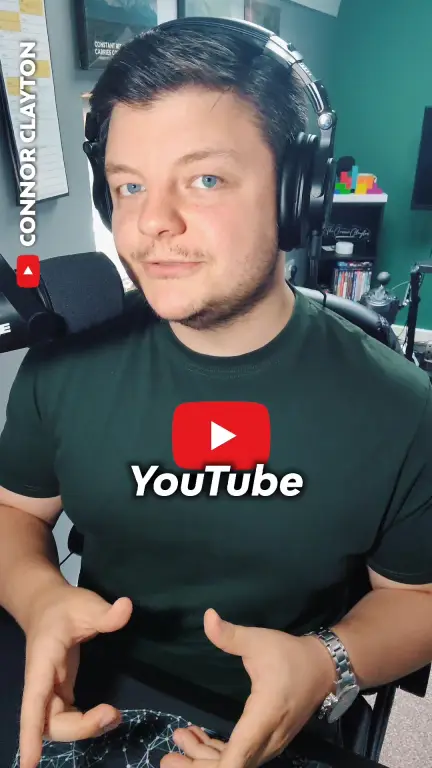
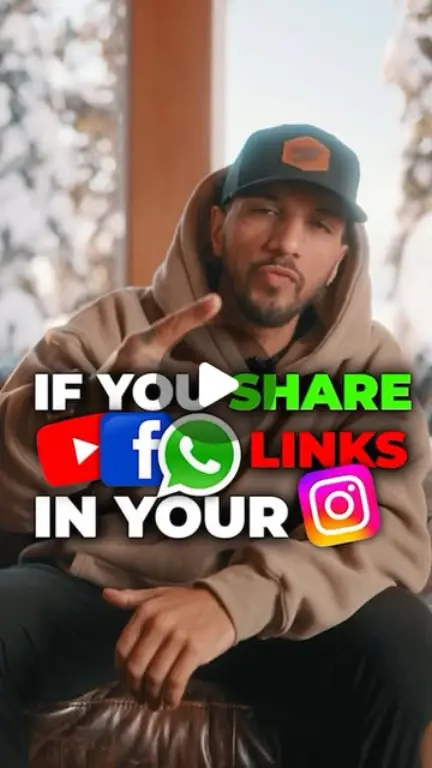
    Connor Clayton @theconnorclayton

    “If you're sharing your YT links, make sure to use LINKTWIN. Do this, and your video will open on the YouTube app.”

    Watch on TikTok
  • Instagram 6K likes

    Enrico Incarnati @rico.incarnati

    “Copy the link from your video, go to ‘linktw.in’, paste the link on this site, copy the new link generated.”

    Watch on Instagram
  • YouTube Shorts 1.2K likes 79K views

    Mike Sherrard @Mike_Sherrard

    “Now come over to Link Twin, paste the link in here and create the deep link.”

    Watch on YouTube Shorts
  • TikTok 16.9K likes 230.7K views

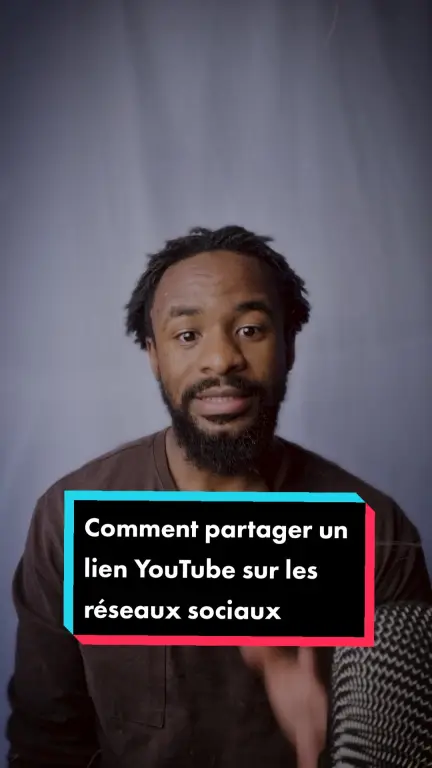
    Jonathan Ilombe @lemouton.noir

    “Comment partager vos liens YouTube en Story”

    Translated from French: how to share your YouTube links in a Story.

    Watch on TikTok
  • TikTok 2.5K likes 52.3K views

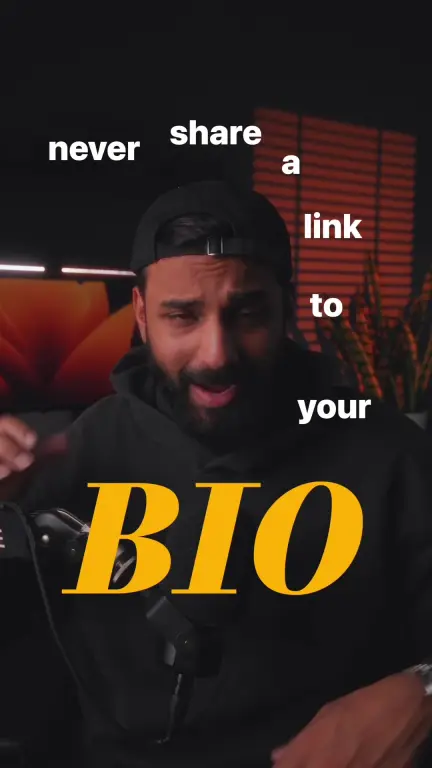
    Shahbaz Sheikh @airbazoo

    “NEVER SHARE A LINK 👀 Unless you create a deep link! I was making this mistake for so long.”

    Watch on TikTok
  • Instagram 1.2K likes

    Brian Mark @therealbrianmark

    “Search linktw.in on google. Now copy and paste any link of your choice, and it will create a deep link.”

    Watch on Instagram
  • TikTok 496 likes 14.8K views

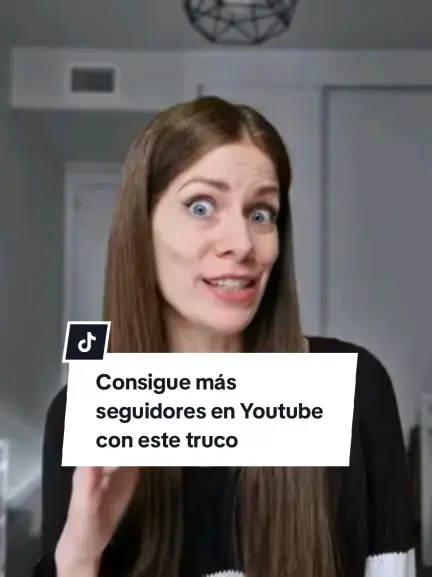
    Cris @cris.ugc.spain

    “Truquito que te ayudará a conseguir muchos más suscriptores, likes y comentarios si tienes un canal en Youtube.”

    Translated from Spanish: a little trick to get many more subscribers, likes and comments if you have a YouTube channel.

    Watch on TikTok
  • YouTube Shorts 3K views

    Tech_ World.2023 @Wifi_money348

    “LINKTWIN is the perfect website to paste your YouTube links with ease 🙌🏼”

    Watch on YouTube Shorts
  • TikTok 2.5K likes 130.5K views

    Mataniah Tedla @mataniahtedla

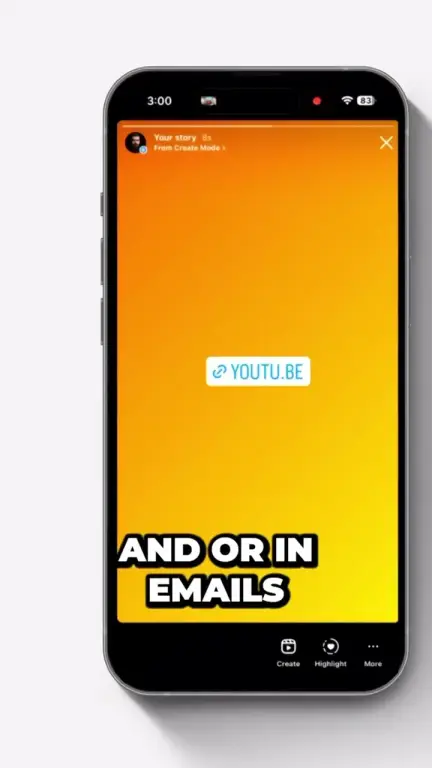
    “YouTube Video Link Copy & Paste to Instagram Story”

    Watch on TikTok
  • TikTok 1.1K likes 82.7K views

    Dani Solís @danisolis.ok

    “Esta es la solución para colocar el link de YouTube en las historias de Instagram para ganar suscriptores.”

    Translated from Spanish: the fix for putting a YouTube link in Instagram Stories to win subscribers.

    Watch on TikTok
  • TikTok 481 likes 8.3K views

    Pachu edits @pachu.edits

    “HOW TO CONVERT INSTAGRAM FOLLOWERS TO SUBSCRIBERS.”

    Watch on TikTok
  • TikTok 292 likes 14.9K views

    Jorge Martínez @jorge_shoots

    “No publiques links que se abran en el navegador: no permiten ni dar like ni suscribirse.”

    Translated from Spanish: don't post links that open in the browser, because viewers can't like or subscribe there.

    Watch on TikTok
Real posts, real people

And what they post on X

Every post links to its original source, so you can read each recommendation in context.

Free to start, and it stays free

Build your page and share it without a card. Upgrade only when you need more room or your own brand.

Compare all plans

Free

$0

  • 10 links and 500 clicks a month
  • App-opening links on every block
  • Every palette, font and template
  • 14 days of analytics history
Create my free page

Paid plans

from $14 a month, billed yearly

  • More links and more clicks every month
  • Longer analytics history
  • Your own domain, from the Medium plan
  • Your page without the LinkTwin badge
See paid plans

Link in bio questions, answered

Still wondering about something? Ask us directly.

What is a link in bio page?

Instagram, TikTok and most social profiles give you room for one link. A link in bio page is a small web page behind that link that holds everything you share: your videos, music, products, newsletter, booking page and social profiles. You change the page whenever you like, and the link in your profile stays the same.

How is LinkTwin different from other link in bio tools?

On most bio pages a tap opens an ordinary web link, which loads inside the social app's built-in browser, where your visitor is signed out. Every link on a LinkTwin page is an app-opening link. YouTube, Spotify, Amazon and 100+ other apps open directly, signed in, and website links can open in the phone's own browser.

Does it work inside the Instagram in-app browser?

Yes. When a visitor taps a link on your page inside Instagram, Facebook or Threads, supported destinations open in their app and website links move to Safari or Chrome. You can also set your whole page to open in the visitor's browser. TikTok keeps links inside its own browser, so there your links open as normal web pages.

What happens if a visitor does not have the app?

The link opens the normal web page instead. Your links always work, and nobody ends up at a dead end.

Can I use it for Amazon affiliate links?

Yes. The Amazon block shows the product photo, title and price, opens the Amazon app, and can send shoppers in other countries to their local Amazon store with your affiliate tag for that store. The affiliate disclosure is shown by default.

What can I see in the analytics?

Page views and unique views, clicks on every link, and the click-through rate of your page. You also see where visitors come from: referrers, countries and cities, devices, browsers and languages, plus the taps on each social icon. You can share the stats with a public link.

How long does it take to set up?

A few minutes. Pick your address, start from a template for creators, musicians, affiliates, podcasters or businesses, add your links and paste the address into your profile. No code and no app to install.

I already have a link in bio page. Can I switch?

Yes. Build your LinkTwin page first, then replace the link in your Instagram, TikTok or YouTube profile. Your old page keeps working until you change that link, so there is no downtime.

Can I use my own domain?

Yes. Connect a domain you own and your page lives on your own address. Custom domains come from the Medium plan.

Is the link in bio page free?

Yes. The free plan gives you 10 links and 500 clicks a month, every palette and font, and 14 days of analytics history, with no credit card. Paid plans start at $14 a month billed yearly and add more links and clicks. Compare the plans.

Claim your page before your next post.

Pick a name, add your links and put one address in every profile. It is free.

Free plan. No credit card. Cancel paid plans anytime.