
 Link in Bio
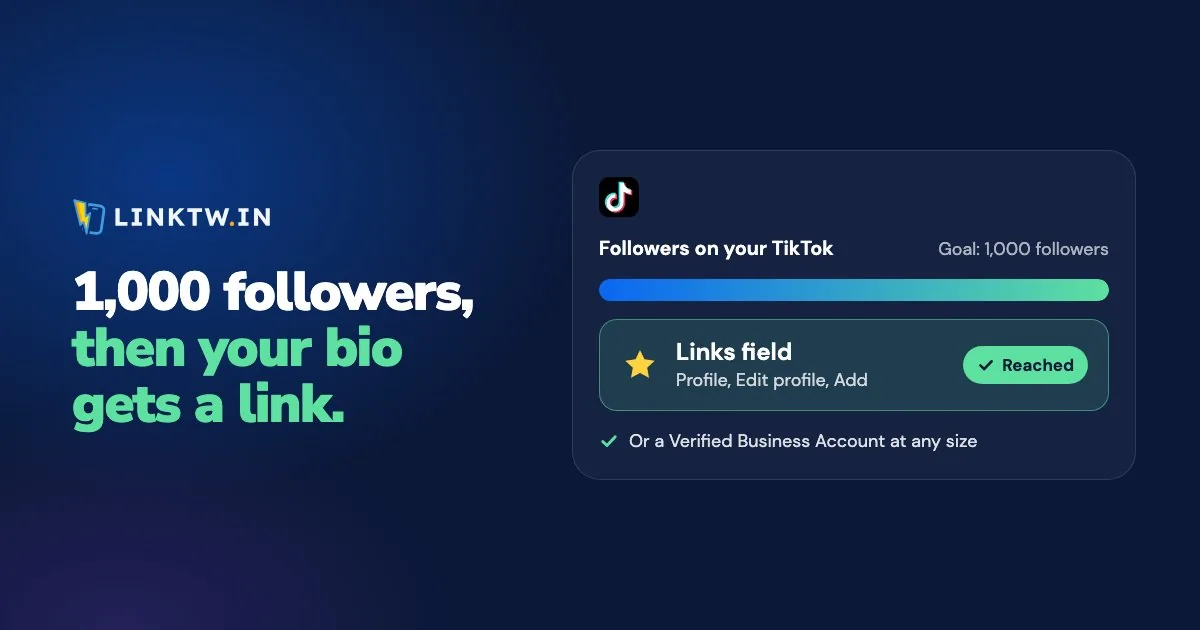
To add a link to your TikTok bio, open your profile, tap Edit profile, tap Add next to Links, and paste the address. TikTok's help page says that field is for accounts with at least 1,000 followers or a Verified Business Account (as of November 2026), and a URL typed into the bio text itself stays plain text.
- In the TikTok app, tap Profile at the bottom.
- Tap Edit profile.
- Next to Links, tap Add.
- Paste your address and save. The labels shift a little between app versions, but the field always lives under Edit profile.
Getting the link in is the easy half. TikTok opens every profile link in its own in-app browser, so whatever you paste loads inside TikTok, where your viewer isn't signed in to YouTube, Amazon or your shop. A LinkTwin link in that field shows the viewer a full-screen guide to TikTok's own way out, and once the page is in Safari or Chrome, an app link opens the app. More on that below.
Who gets the Links field
TikTok's rule has two doors: 1,000 followers, or a business that TikTok has verified. Switching your account type to Business doesn't open either one by itself.
| Your account | Can you add a bio link? |
|---|---|
| 1,000 followers or more, any account type | Yes |
| Verified Business Account | Yes, at any follower count |
| Under 1,000 followers, not a verified business | No |
Business verification is how a small brand gets the field early. TikTok asks for a valid business license that matches the region where the business operates, and the feature is only for people aged 18 or older. It starts from your profile menu under Settings and privacy, Account, Business verification, and review typically takes one to five business days, per TikTok's business verification steps. Without a registered business, the way in is reaching 1,000 followers.
Use the wait. Building a link-in-bio page takes a few minutes, and the day TikTok shows you Add, you paste one address you've already tested on Instagram.
What to paste into the one field
One field has to carry everything you share, which is why a page usually goes there. A LinkTwin bio page puts your newest video, your shop and your newsletter behind a single address, and you change what's on it without touching TikTok again. That one address opening a page of buttons is what a link in bio means. If a launch or a single product is the whole point this month, paste one LinkTwin short link instead.
TikTok's help page also says it no longer supports links that open or sign you into other social media apps. Links to those platforms' websites still work, so a YouTube channel goes in as youtube.com/@yourhandle, or as a button on your page.
What a viewer gets after the tap
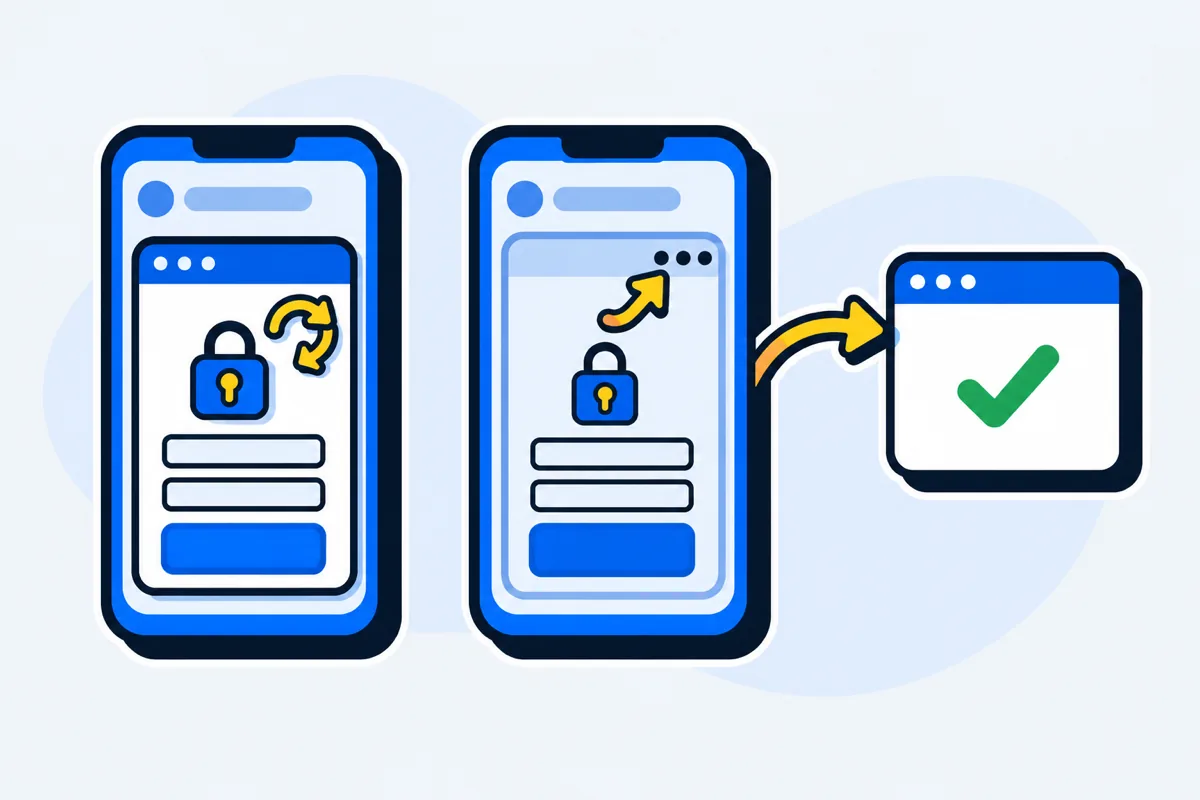
TikTok says so on the same help page: a link on someone's profile opens in TikTok's in-app browser. That browser doesn't share logins or saved cards with Safari or Chrome. Picture a fitness coach who pastes her booking page the week she reaches 1,000 followers: her viewers land on a sign-in form with an empty card field, still inside TikTok. The way out is TikTok's own menu, the three dots and then Open in browser, and nothing on an ordinary page tells anyone it's there.
No link leaves TikTok on its own, LinkTwin's included. What a LinkTwin link does is show a full-screen guide that points at those two taps in TikTok's menu. After them, the page is in Safari or Chrome, where saved sign-ins and cards live, and an app link such as YouTube or Amazon opens the app. Why TikTok keeps links in its browser walks through that menu screen by screen.
| What you paste | What the viewer sees first | Where it ends up |
|---|---|---|
| Your shop or page address as it is | Your page, inside TikTok | TikTok's browser, unless they find the menu alone |
| A LinkTwin short link | A full-screen guide to TikTok's menu | Safari or Chrome, or the app for an app link |
| A LinkTwin bio page | Your bio page, inside TikTok | On a button tap, the same guide, then that button's app or site |
Promoting a YouTube video this way has a second job, because the clip has to earn the tap first. Promoting YouTube videos on TikTok covers that side.
Put a LinkTwin link in the field
- Turn on the TikTok domain. In Link Settings, under TikTok Optimization, switch on Optimize Links For TikTok. New links then use linktwin.co, LinkTwin's TikTok-compatible domain. A custom domain you've connected stays as it is.
- Keep the guide on. Under When Opened Inside TikTok, leave Guide Users To Open In Browser selected. It's the recommended default. Skip TikTok Instructions keeps the page inside TikTok, which only suits a page that works signed out.
- Create the link. Paste the final address into the Create App Link box in your dashboard. Links to your own website or shop are included on every paid plan.
- Paste it next to Links and open your profile on a friend's phone, so you see what your viewers see.
- Read the clicks. The click report shows clicks over time, country, city when it can be located, device, operating system, browser and source. Add a
+to the end of the short link to open its stats page.
The free plan includes 10 links and 500 clicks a month.
When the link is missing or doesn't work
- There's no Add button next to Links. The account is under 1,000 followers and isn't a verified business. If you've only just passed 1,000, check again later: TikTok doesn't say how quickly the field appears.
- The address shows, but nobody can tap it. It went into the bio text. Only the Links field is tappable.
- The page opens, and nobody buys or signs up. A sign-in form and an empty card field mean the visit is still inside TikTok. A LinkTwin link shows those viewers the way out.
Common questions
Can you put a clickable link in a TikTok caption or comment?
A URL typed there stays plain text. TikTok's Destination Links can attach a link to a video and pin it at the top of the comments, but they're for Verified Business Accounts with an active website pixel or Events API connected, in the regions TikTok lists. For everyone else, the Links field on the profile is where a viewer can tap through, which is why the caption usually says "link in bio".