
 Link in Bio
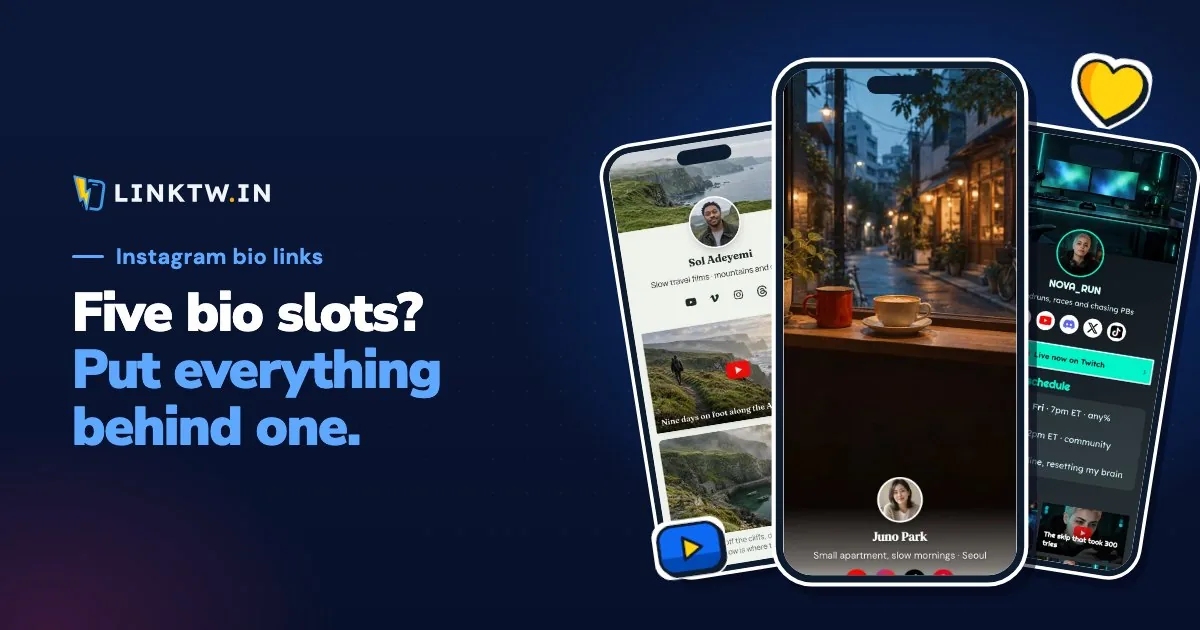
You can add up to five links to your Instagram bio, from the Instagram app on your phone: tap Edit profile, then Links, and add each URL. Instagram's help page sets the five-link cap and says the feature isn't available on a computer.
There's no sixth slot, so the way to share more is a page in one of the five. A LinkTwin page in your first slot holds everything past five, and its YouTube, Amazon and Spotify buttons open those apps from Instagram, where your follower is already signed in.
How to add more than one link
- Open the Instagram app and go to your profile.
- Tap Edit profile, then Links.
- Add an external link and paste the URL.
- Save it, then repeat for each link, up to five.
What a tap on those links opens
All five open in Instagram's in-app browser, not in Safari, Chrome or the app the link is for. Instagram's help page presents that browser as the way to view websites without leaving the app. It doesn't share your follower's logins, so they land on websites signed out.
Picture a Reel about the mic you record on, with its Amazon page in slot two. A plain amazon.com URL loads Amazon's website inside Instagram, where the cart is empty and checkout starts with a login. Put a LinkTwin link in that slot and the same tap opens the Amazon app on that mic, signed in, so they can buy without logging in again. A YouTube link in the next slot opens YouTube, where Subscribe works on the first try.
| Destination | Plain URL in the bio | LinkTwin link, or a button on your page |
|---|---|---|
| YouTube video or channel | YouTube's website, inside Instagram | The YouTube app |
| Amazon product | Amazon's website, inside Instagram | The Amazon app |
| Spotify track or playlist | Spotify's website, inside Instagram | The Spotify app |
| Your shop, booking page or blog | Inside Instagram's browser | Safari or Chrome |
The same works for 100+ other apps, and the Instagram link opener shows a plain tap and a LinkTwin tap side by side. If the app isn't on the phone, the follower gets the web page in their own browser instead. What each button on a bio page does covers Threads and Facebook too.
Links to your own website or shop are included on every paid plan.
Put a page in slot one and short links in the others
Use both when you share more than a handful of things. The page goes first because it leads to everything else, and it's the link in bio people expect to find. The other four slots go to what people ask for by name: the channel, this week's video, the product, the playlist. Make each of those a LinkTwin link too, so the tap opens the app.
- Claim your name on linktwin.bio and start from a template. Creating a link in bio walks through the editor.
- Add the buttons, with the thing you most want tapped at the top. Your shop or booking page can be one of them.
- For each destination that should also get its own slot, paste the URL into the Create App Link box in your dashboard and copy the short
linktw.inlink. You can try the same paste on the deep link generator first. - On your phone, add the page address to the first slot, then the short links.
- From your own profile, on a phone with the apps installed, tap each link. YouTube, Amazon and Spotify should open in the app, and a shop link in Safari or Chrome.
- After a week, read the numbers. The page shows views and clicks on every button, and each short link has a click report with country, device, browser and where the tap came from. Both count clicks, not sales or subscribers.
Once the page sits in a slot, you change its buttons from any browser, a computer included, and you don't open Instagram's Links screen again unless the slot itself should point somewhere new. Story stickers and DMs are separate from these five, and every tappable spot on Instagram lists them.
The free plan includes 10 links and 500 clicks a month.