
 Link in Bio
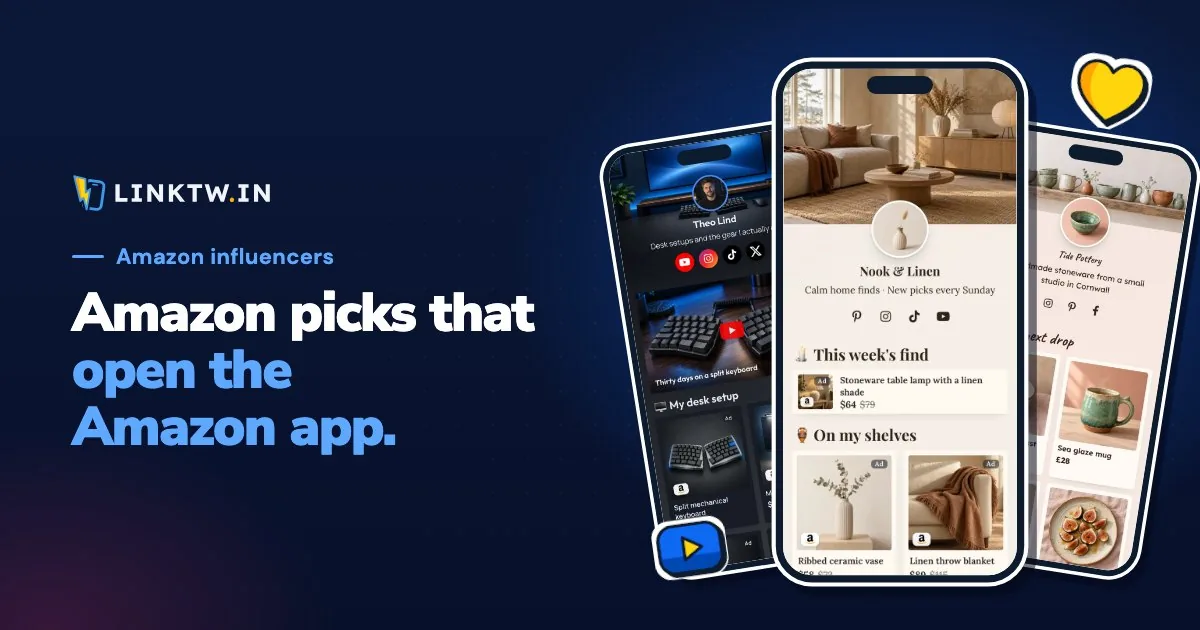
An Amazon creator's link in bio works best as a page: the product from your latest post on top, your storefront under it, then your videos, newsletter or own shop. Your Amazon Influencer storefront (amazon.com/shop/yourhandle) can sit in the bio on its own, and Amazon suggests putting it there, but it only links to Amazon and can't hold the rest of what you post.
The tap matters too. A plain Amazon link in an Instagram bio opens in Instagram's browser, where your follower usually isn't signed in to Amazon, so their cart, saved address and one-click checkout aren't there. A LinkTwin Amazon link goes straight to the Amazon app with your saved Associates tag on it, so your follower lands signed in, ready to buy. Amazon says attribution to your ID is preserved when your links open in the Amazon Shopping app.
Storefront, one product, or a page
| Storefront | One product link | Bio page | |
|---|---|---|---|
| Who can use it | Influencer Program members | Any Amazon Associate | Any Associate, storefront or not |
| What it holds | Your catalog and Idea Lists | The item from today's post | That item, the storefront, your videos, a newsletter, your own shop |
| Links beyond Amazon | No | No | Yes |
People arrive from one post, looking for one thing, and the storefront makes them search your whole catalog for it. A LinkTwin bio page puts that thing first. Each Amazon Link block shows your photo and title, opens the Amazon app and adds the tag you saved. The same page also takes your YouTube review and your newsletter, which the storefront can't.
Put the post they just saw on top
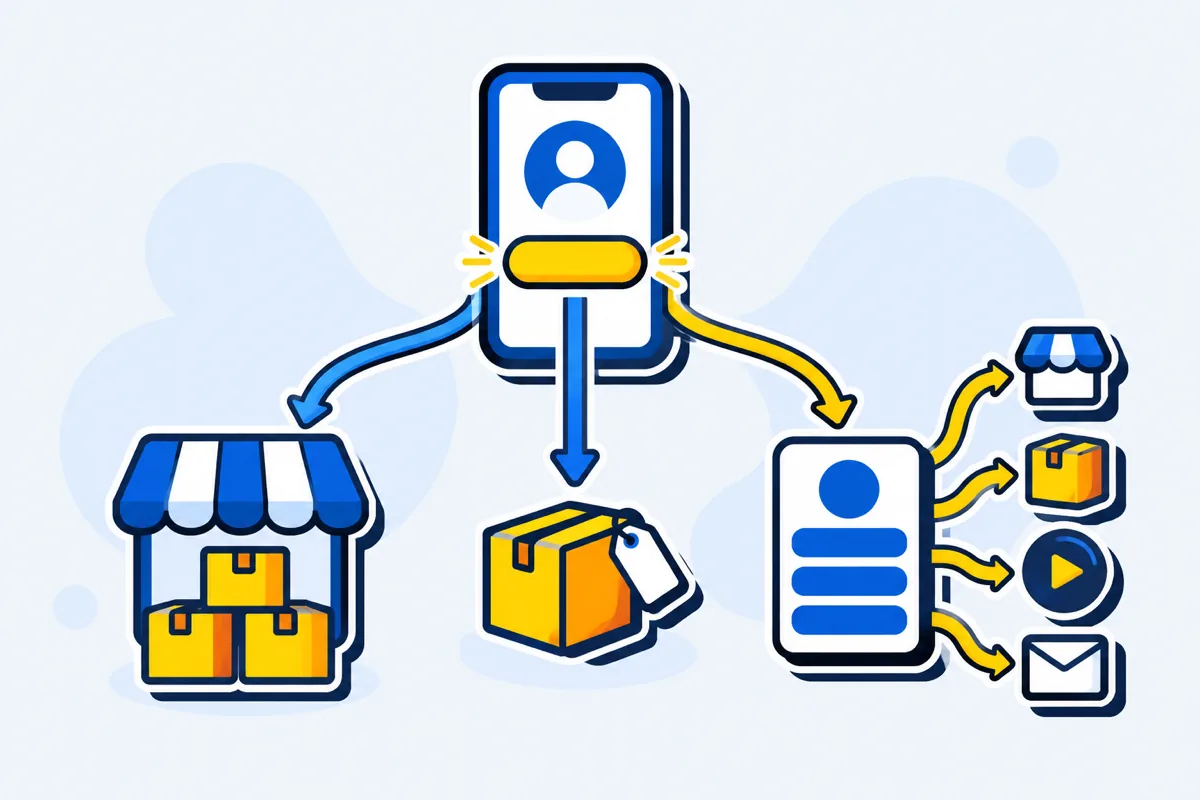
Lead with the product from your newest post in its own Amazon Link block. Under it, group a few related picks in a second Amazon Link block. Then one button for the storefront, one for your latest review video, and your own shop if you have one. Name the store on each label ("Stoneware lamp on Amazon", not "Shop the lamp"), so people know where the tap goes before they make it.
Links to your own website or shop are included on every paid plan.
In the template gallery, Shelf Life (home and decor) and Tech Desk (desk and tech gear) are laid out this way. Swap their sample products for your own, with Amazon's two rules below in mind.
Two Amazon rules that change how the page looks
Most Associates rules apply wherever you post. Two of them decide what a product card on your page may show, per Amazon's Associates Program Policies (checked November 2026).
- No prices typed by hand. Amazon's policies only allow a price on your site if Amazon serves it or you get it through its product API, so a price you type in yourself doesn't qualify. For Amazon products, leave the Price and Former price fields empty and let Amazon's page show today's price.
- No Amazon star ratings or customer reviews. So no "4.7 stars" under a product and no Amazon review pasted into a Reviews block. That block is for what your own followers and clients told you. Photos you took work better anyway: people recognize them from the post.
Disclosure is built in. A LinkTwin page shows "As an Amazon Associate I earn from qualifying purchases." and an "Ad" label on each Amazon product by default. The sentence sits in the footer until you set its Position to "Under links", which moves it up under your first Amazon block. What to say in captions and Stories is in the affiliate disclosure guide.
What happens after the tap
Your page opens inside Instagram, like any bio link. The next tap is where LinkTwin comes in: each Amazon Link block is an Amazon link that opens the app, so your follower lands on the product in the Amazon app, and the Associates tag you saved is on the link. If the Amazon app isn't installed, they get the product's web page.
Automatic geolocation sends a shopper to the Amazon store of their own country, across 23 stores, with the tag you saved for that store. With your amazon.de tag saved, a follower in Germany who taps your amazon.com pick lands on amazon.de, where they can actually order. Credit then follows Amazon's own window, which the 24-hour cookie guide explains.
On TikTok, your page and the Amazon product stay in TikTok's browser until the viewer uses TikTok's own menu (why TikTok links stay in TikTok).
Save the tags, then claim the page
- Save a tag per store. In Amazon Settings, choose the store and paste your tracking ID (it looks like
yourname-20). Add one for each Amazon store you've joined. - Claim the page on LinkTwin's link in bio. The address ends in
/@yourname. Start blank, or from Shelf Life or Tech Desk if the niche fits. - Add the products. In an Amazon Link block, paste the product URL; amazon.com, amzn.to and a.co links all work. Add a photo you took, and keep the price fields empty under Amazon's price rule. Then add the storefront button, your latest video and an email sign-up.
- List the page with Amazon. Amazon wants every site where you post links in your account: in Associates Central, open Account Settings, then Edit your website list, and add the page address (Amazon's steps).
- Paste the address into your profiles. Page stats then show views, taps per button, countries and referrers. LinkTwin counts those taps; sales and commissions stay in your Associates reports.
The free plan includes 10 links and 500 clicks a month.
Email capture is available on every plan.
Common questions
Can I build this page without the Influencer Program?
Yes. Any Amazon Associate can put tagged product links on a bio page. Only the storefront button needs the Influencer Program.
Does my storefront exist on every Amazon country site?
Not necessarily. The Influencer Program is run per country, so an amazon.com storefront may have no twin on amazon.co.uk. For the storefront button, a Geographic Targeting rule on that link can send each country to an address that exists there.
Geographic targeting is available on every plan.