
 Link in Bio
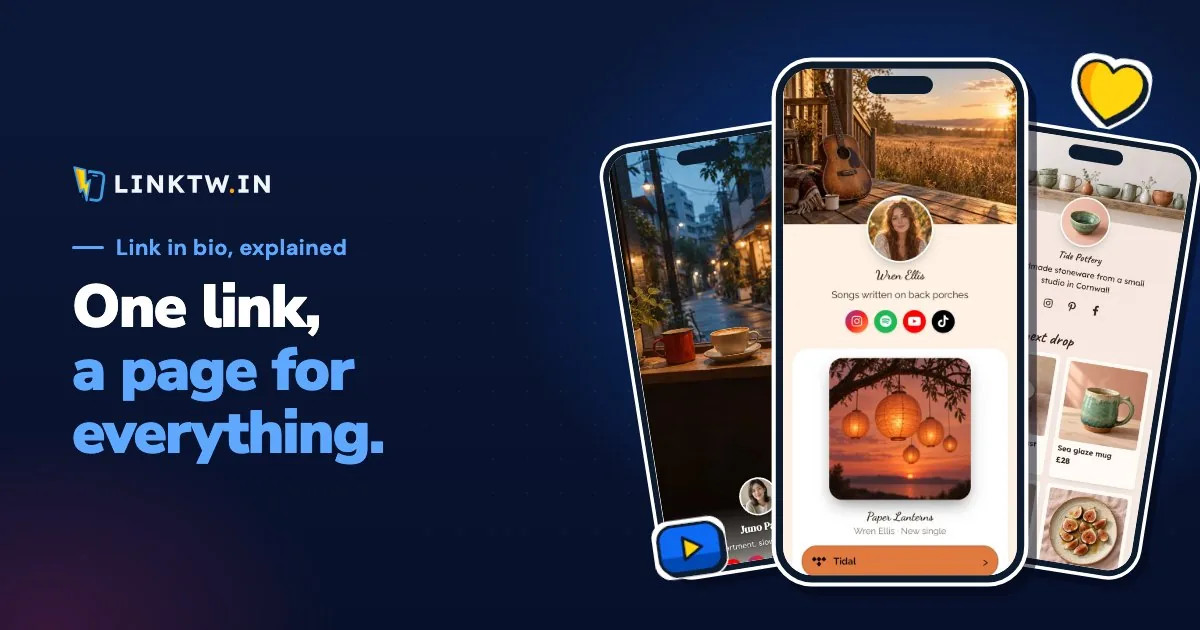
A link in bio is the one clickable link on a social profile, and the page that link opens: a phone-sized page with a button for each thing you share, from your latest video to your shop. When a caption says "link in bio", it means "tap my profile, then that link", because on Instagram and TikTok a web address typed into a caption isn't tappable.
Picture a creator who posts a Reel about a new video and writes "link in bio". A follower taps the name, opens the profile and taps the link under the bio. The page that opens holds the video, the gear list and the newsletter, so one address in the profile covers everything the posts mention, and the creator edits the page instead of every profile.
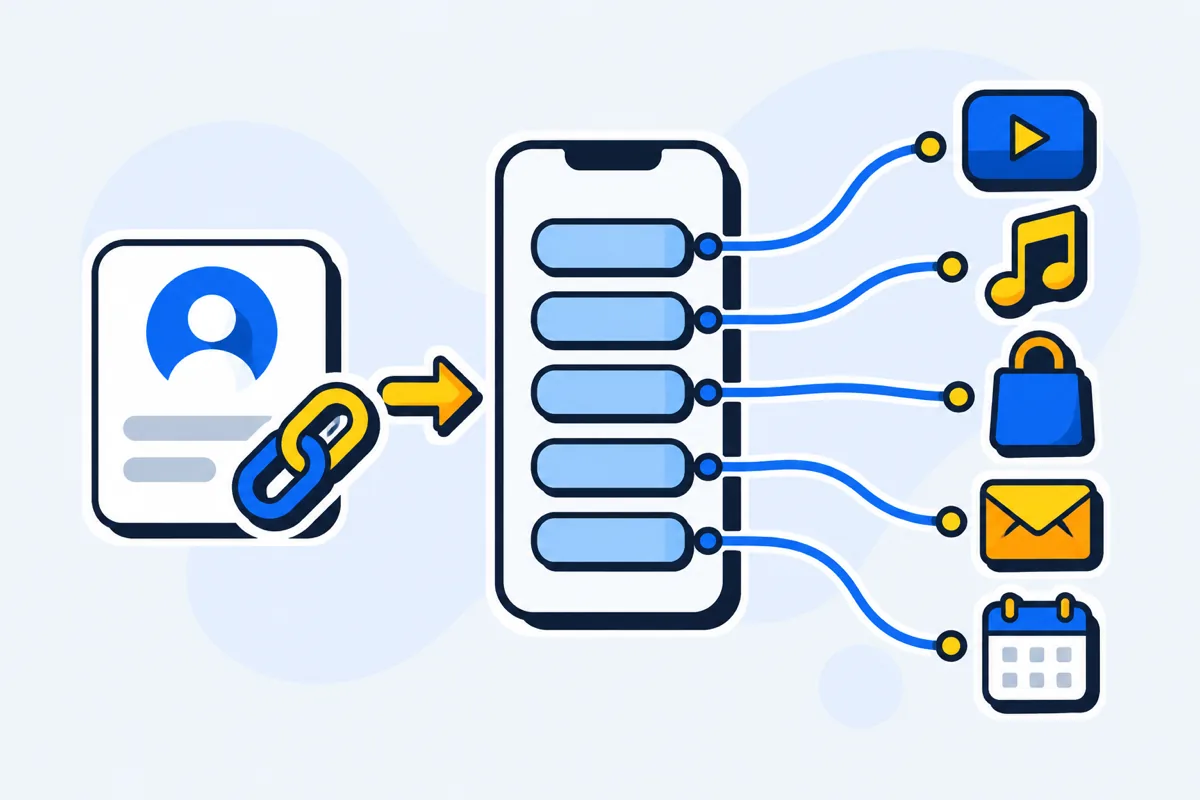
The page also decides what happens after the tap. A LinkTwin bio page opens YouTube, Spotify and Amazon in their apps when a follower taps a button from Instagram, Threads or Facebook, so they're already signed in, instead of landing on a signed-out website inside Instagram's browser. Why a link in bio opens in the browser, and how buttons open the app shows what each button does in each app.
Where each app puts the link in bio
Every big app gives you at least one profile link, but not the same number. As of November 2026:
| Platform | Where you add it | How many | Good to know |
|---|---|---|---|
| Edit profile, then Links | Up to 5 | Phone app only, not on a computer | |
| Threads | Edit profile | Up to 5 | Up from one link since May 2025 |
| YouTube | YouTube Studio, Customization, Profile | Up to 14 | The first one shows near Subscribe |
| TikTok | Edit profile, then Links | 1 | 1,000 followers or a Verified Business Account |
More slots don't make a page unnecessary. Five links can't hold this week's video, a song, a product and a booking with room to spare, and on Instagram every one of them still opens in Instagram's own browser. A Story link sticker is another tappable spot, but the Story is gone after a day, so the profile link is the one that stays.
Link in bio vs a website
A link in bio page is built for one moment: a thumb on a phone, coming from a post. It loads fast, puts every button within reach, and changes in a minute when your next post needs a different button. A website is where your own checkout, your articles and your search traffic live. You don't have to pick one, because your site simply becomes another button on the page.
Links to your own website or shop are included on every paid plan.
Build the page and fill it
- Start with how to create a link in bio: five steps from claiming a handle to a page you've tap-tested.
- Decide the order of the buttons and the words on them with what to put in your link in bio.
- Turn a visit into a subscriber you can reach without the algorithm: collecting emails from your link in bio.
- Want the page on an address you own? Read a custom domain for your link in bio.
- Once it's live, link in bio analytics show which buttons get tapped and which app sent each visit, and a link in bio that isn't working sorts out what a follower means by "your link doesn't work".
Add it to each profile
- On Instagram, use all five slots with your page in the first one: adding multiple links to your Instagram bio.
- For a link that lasts a day, the Link sticker is the tool, and adding a link to an Instagram Story walks through it.
- TikTok's website field comes with conditions, all in adding a link to your TikTok bio.
A page for your kind of work
| If this is you | Start here |
|---|---|
| A YouTuber sending viewers to new uploads | Link in bio for YouTubers |
| A musician sharing releases, shows or merch | Link in bio for musicians |
| A podcaster with a show on every app | Link in bio for podcasters |
| A streamer who needs a live button and a schedule | Link in bio for streamers |
| An Amazon influencer or affiliate | Amazon influencer link in bio |
Already on another tool? LinkTwin vs Linktree compares the two on what a tap opens, Linktree pricing lays out what each of its plans costs, and the best link in bio tools lines up the free plans side by side.
Common questions
Where is the link in bio on someone's profile?
On Instagram, TikTok and Threads it sits under the bio text. On YouTube, open the channel page: the first link shows near Subscribe. No link at all means they haven't added one, or on TikTok that the account doesn't qualify yet.
Can I use the same link in bio on every platform?
Yes. One page address works in every profile, so Instagram, Threads, YouTube and, once the account qualifies, TikTok can all point at it, and you update the page once when something changes. On LinkTwin, the page's stats list the referrers behind its views and clicks, so you can see which app the taps actually come from.
Is a link in bio outdated?
No. Instagram and Threads went from one profile link to five, but that made the page more useful, not less: the first slot is where it goes, and the other four can point at the things people ask for by name. That's why "link in bio" is still where a caption sends people.