
 Link in Bio
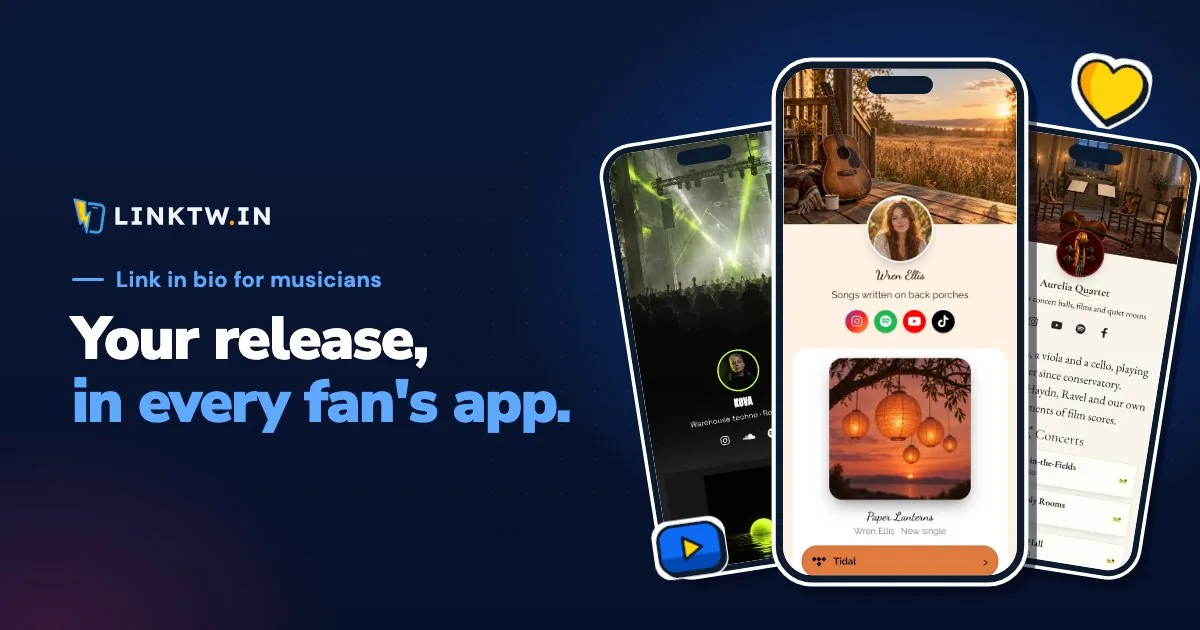
A good link in bio for musicians puts the new release on top, with a button for each streaming service, then your shows, merch and a mailing list. On a LinkTwin bio page, those buttons open the music app itself, so a fan who taps Spotify from your Instagram bio lands on the song in Spotify, signed in, with Save right there.
Think of release morning. You post a clip and write "out now, link in bio." A fan taps through, picks Spotify, and on a page of ordinary links Spotify's website loads inside Instagram's own browser, signed out, with Save behind a login screen. Instagram does this to every link, which is why a link in bio opens a web page instead of the app on most bio tools.
LinkTwin opens Spotify, Apple Music, YouTube Music, Amazon Music, Tidal, Deezer and SoundCloud in the fan's own app when they tap your bio page from Instagram or Threads. If the app isn't on their phone, the button falls back to the service's website.
What fans look for, in order
Fans arrive from one post, on a phone, usually wanting one thing: the song they just heard. Put that within reach before they scroll, and stack everything else by how often people ask for it.
| They want | Give them | Block |
|---|---|---|
| The song they just heard | A button per service: Spotify, Apple Music, YouTube Music | Multi links, or one Link button each |
| The clip | The music video or a live take | YouTube Video or Latest Video |
| A show in their city | Every date with its own ticket link | Tour dates |
| The vinyl or the shirt | A product, or a code for the next drop | Product, Discount code |
| First word on the next release | A signup with one line on what they get | Email capture |
| A press kit or a booking | The kit, plus a form that isn't a DM | PDF or menu, Contact form |
Drop the rows you don't have. A DJ with no merch skips the product block, and a quartet that lives on wedding bookings moves the contact form up.
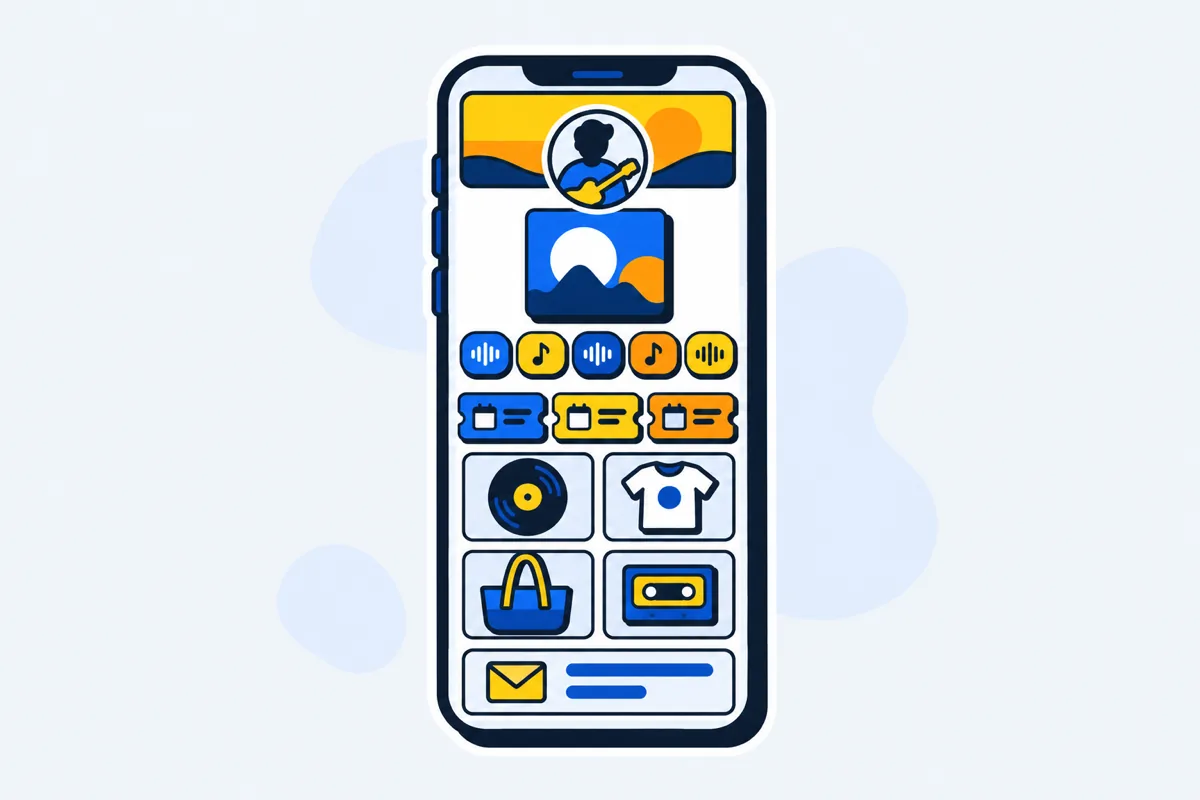
A button for each service your fans use
A fan who lives in Apple Music won't switch to Spotify to hear you. Give the three or four services that bring you the most streams their own button, and name each one for the action, such as "Save on Spotify" or "Add on Apple Music". A brand name alone doesn't tell anyone what the tap does.
To fill a button, open the song in that service, tap Share, copy the link and paste it as it is. On Spotify that's the open.spotify.com address. You never build an app link by hand: LinkTwin recognizes the service and opens its app. The pages for Spotify links, Apple Music links and YouTube Music links show what each tap opens, and music links that open the app covers the rest of the services.
Want the song to play before they pick a service? The Music player block puts a Spotify, Apple Music, SoundCloud or Audiomack player on the page. Keep the buttons under it, because saving and following happen in the app, not in a player.
Release day: a short link for the Story sticker
The bio page is the address that stays in your profile. A Story sticker can go straight to one service. Paste the Spotify link to the new single into LinkTwin, put the short link in the sticker, and by default a tap from the Story opens the song in the Spotify app with no page in between. Fans who use other services still have the bio page.
Make one short link per placement, say one for the Story and one for the YouTube description, and the click report shows which one worked: taps over time, country, device and where each tap came from. LinkTwin counts the taps that got fans to the song. Streams and saves stay in Spotify for Artists and Apple Music for Artists. Every short link also comes with a QR code for the gig poster or the merch table, and a scan from the phone's camera opens the app directly.
Changing where a link points after you share it, so a teaser link becomes the live song on release morning, is included on every paid plan.
A pre-save, if you run one, comes from your distributor, and the streaming buttons take its place on release morning.
In TikTok, links stay in TikTok's own browser until the fan picks Open in browser from its menu, as why TikTok links stay in TikTok explains, so switch on Optimize Links For TikTok in Link Settings for short links you share there.
Tour dates, one ticket link per show
One button called "Tour" that dumps fans onto a long list somewhere else makes them hunt for their city. The Tour dates block gives every show its own card: date, venue, city, a ticket link, and a short badge you write, such as "Few left". Past dates drop off the page on their own, so last month's gig doesn't stay advertised.
LinkTwin doesn't sell the tickets. Each card links to wherever you sell them, and a Ticketmaster or Eventbrite link opens that app when the fan has it.
Merch, your mailing list and bookings
The Product block shows a photo, a title, a price and a button to the place the sale happens, such as your Bandcamp page or your own store. For a timed drop, the Discount code block shows a code fans copy, a link to the shop and an optional last day, after which the code hides itself.
Links to your own website or shop are included on every paid plan.
A release post reaches whoever the feed decides to show. An email reaches people who asked for it. The Email capture block keeps every signup in your account, and sign-ups can go on to Mailchimp, Kit, Sendy, Klaviyo, beehiiv, Google Sheets or a webhook (Zapier, Make or n8n). Give fans a reason in the line above the field: the Golden Hour template promises new songs first, presale codes and the odd voice memo from the van, which beats a blank "Join my newsletter". Set the consent line the way collecting emails from your link in bio describes before you turn it on.
Email capture is available on every plan.
Passing sign-ups to Mailchimp or Kit is available on every plan.
Passing sign-ups to Klaviyo, beehiiv, Google Sheets or a webhook is available on every plan.
Promoters want the press kit and a way to book you that doesn't vanish into DMs. The PDF or menu block opens the kit on the page, and a Contact form sends each request to your LinkTwin inbox, and to your email too if you like.
A contact form for booking requests is available on every plan.
Build the page, then put it in every bio
- Claim your handle on the LinkTwin link-in-bio page. The address ends in
/@yourname. - Start from a music template or a blank page. Golden Hour fits singer-songwriters, Low End fits DJs and producers, and Quartet fits ensembles.
- Put the release on top. Each of these templates opens with a release block; delete it and add a Multi links block in its place, one tile per service, or one Link button each, with the links you copied from each service.
- Add Tour dates, then Product or Discount code, then Email capture. Add the PDF or menu block and a Contact form if promoters need them.
- Paste the address into your Instagram and YouTube profiles, and into TikTok once your account can show a bio link. Each app keeps that field somewhere different, which what a link in bio is maps out.
- Open your own Instagram profile on your phone and tap through the page before you announce the release, then ask a friend to do the same, because a link in bio that isn't working for fans can still look fine on your own phone.
Give it a week. Bio stats show page views, taps on each button and where visitors came from, so you can move the busiest button up and cut the quiet ones. It's free to start. The free plan includes 10 links and 500 clicks a month.
Common questions
Should the whole band share one page?
Yes. Put the band's address in every member's bio, so a fan who only follows the drummer still lands on the tour dates and the new single. A member with a solo release can claim a second page and add a button back to the band.
Can I add Bandcamp or SoundCloud?
Both work. A SoundCloud button opens the SoundCloud app like the other music services. Bandcamp is a website, so from Instagram it opens in Safari or Chrome, outside Instagram's browser, where a fan's saved logins and cards are.