
 Link in Bio
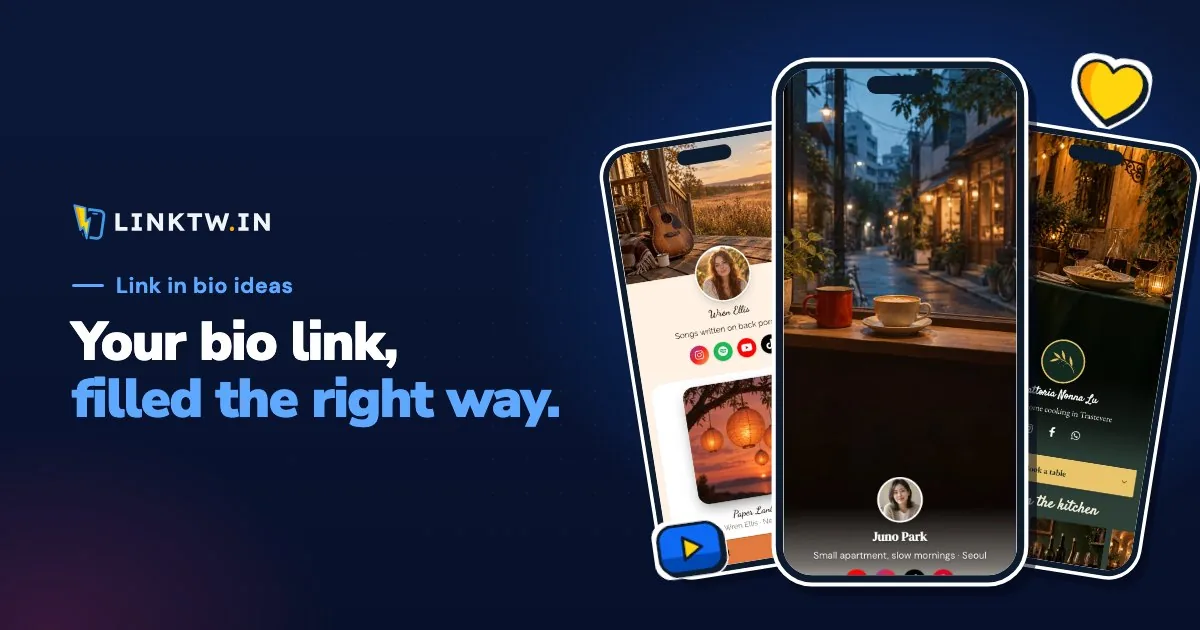
Put whatever your newest post is about at the top of your link in bio, then your work, what you sell or recommend, a one-field email signup, one way to reach you, and small icons for your other profiles. Five to seven buttons above the icons is plenty, because people arrive from one post, on a phone, looking for one thing.
The quickest way to get that order right is to copy it from a page that already has it. LinkTwin's template gallery holds finished bio pages for YouTubers, musicians, podcasters, coaches, restaurants, salons and more, each laid out for that kind of work. You start from one and swap in your own videos, products and dates. The people on them are made up; the order is the part worth copying.
A LinkTwin bio page starts from a template built for your kind of work, and its YouTube, Spotify and Amazon buttons open those apps from Instagram, where your follower is already signed in. If you're still deciding whether you need a page at all, start with what a link in bio is.
Link in bio ideas, by what you do
Each template below is a live page you can open and tap through. The first button is the one that matches the visit.
| If this is you | Template | First button | Under it |
|---|---|---|---|
| YouTuber or vlogger | Daily Vlog | Your newest video | More videos, the things you use with prices, a button for brand deals |
| Singer or band | Golden Hour | The new single on every streaming service | The video, tour dates, merch, a mailing list |
| Podcaster | Small Talk | The latest episode in every app | A clip, guest bookings, sponsors, a newsletter |
| Streamer | Pixel Run | A big live button | Your schedule, highlight clips, merch, Discord, a tip jar |
| Amazon creator | Shelf Life | This week's find | Amazon picks with prices, finds under $50, room tours, an email |
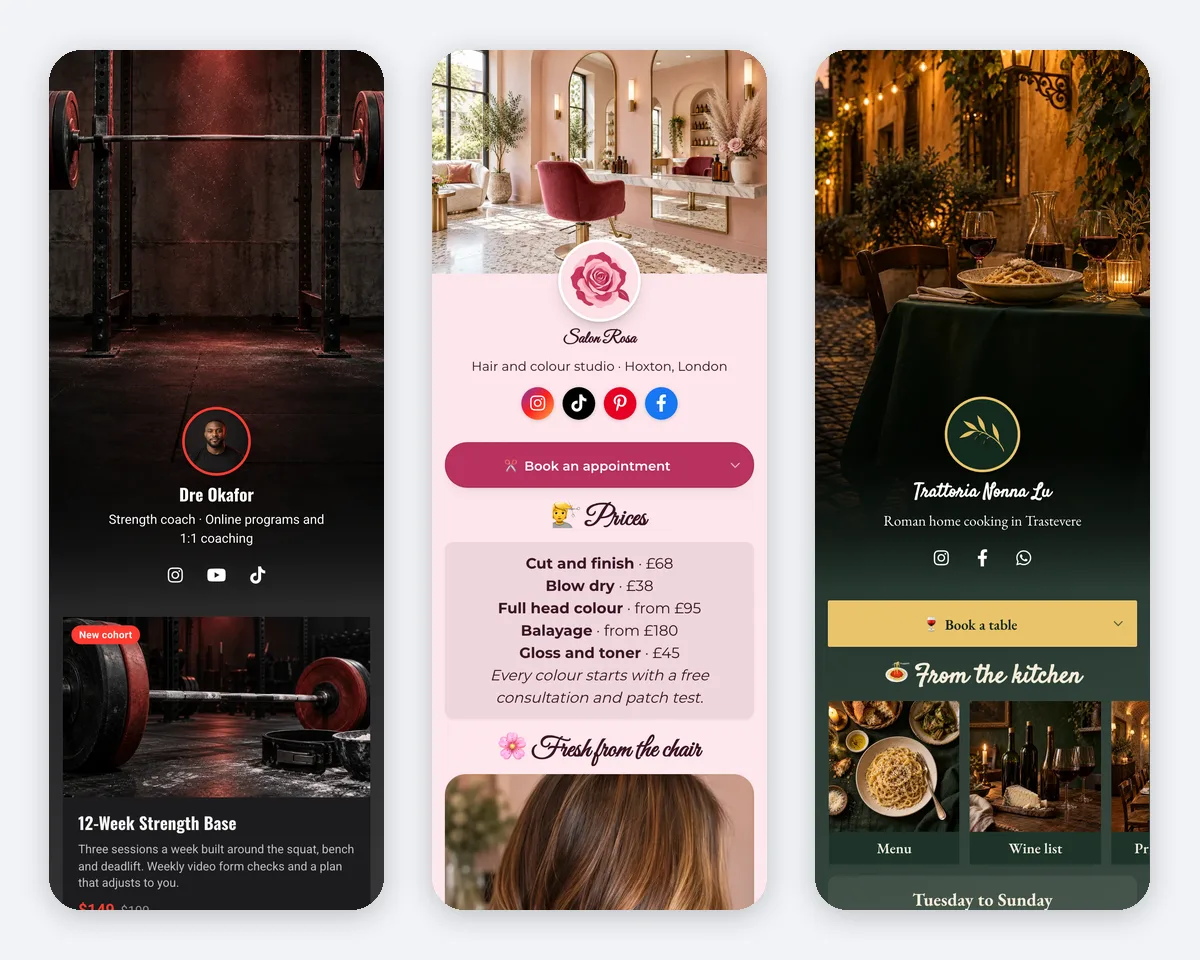
| Personal trainer or coach | Lift Lab | Your program, with its price | A free intro call, form tip videos, the gear you use |
| Restaurant or cafe | Trattoria | Book a table | Menus, opening hours, gift vouchers, a map, a call button |
| Salon or studio | Salon Rosa | Book an appointment | Your prices, fresh work, gift cards, a map |
| Photographer | Darkroom | Your photographs, full width | Prints with prices, workshop dates, a way to book a shoot |
A few blocks do part of the upkeep for you:
- Latest Video shows your newest uploads on its own, so upload day doesn't need a page edit.
- Music Link puts one release on every streaming service in a single block, and listeners pick theirs.
- Discount code holds a sponsor's code that visitors copy with one tap, with an optional expiry date so the offer doesn't linger, which is how a podcast link in bio carries each week's sponsor.
- Amazon Link shows a product with its photo, title and price, and opens the shopper's local Amazon store.
The rest of the block list covers bookings, galleries, reviews, an FAQ and contact forms.
Button text: say what they get
People read the left edge of a button and decide in a glance, so put the useful word first and name what they get. These pairs come from the template pages:
| Instead of | Write |
|---|---|
| Calendly | Book a free intro call |
| Reservations | Book a table |
| Contact | Send me a product, or Ask about 1:1 coaching |
| Be on the show | Pick a recording slot |
| Twitch | Live now on Twitch |
| Shop | Get the cookbook |
Keep each label to one line on a phone. If the tap opens something long, say how long, as in "Watch the full tour, 14 minutes", so the people who tap are the ones with time for it. A live button is the one label that changes with your status: a link in bio for streamers swaps "Live now" for the next stream time when you go off air.
Give people a way to stay in touch
A post is gone from the feed in a day, and an email address isn't. An Email capture block with one field, a specific promise ("one recipe every Sunday") and a button that names the result turns a visit into someone you can reach again. Collecting emails from your link in bio covers the wording, the consent tick and where the addresses go.
The Email capture block is available on every plan.
What to leave off the page
- Full-size buttons for your other profiles. The social icons already cover them, and each extra button pushes your offer down.
- Two buttons fighting for the top. Let this week's post pick the leader.
- A bare "Website" button that lands on a home page with no next step.
- Anything that has ended. A finished sale, last season's tour dates or a closed giveaway still reads as a promise, so take it down the day it ends. On a musician's link in bio, the Tour dates block drops past shows by itself.
- A bare email address. A contact form or a booking button asks for the details you need to reply. If brands write to you, title a short form "Brand collabs" or "Send me a product" so those messages stay separate. Customers who'd rather message can get a WhatsApp button, which opens the chat in the WhatsApp app the same way a WhatsApp link on Instagram does.
The Contact form block is available on every plan.
After a week, look at the taps on each button in your page's stats. A button nobody taps is in the wrong spot, has a muddy label, or offers something people didn't come for, and the first two take a minute to fix.
Mark the buttons that earn you money
If a button earns you a commission, say so on the page, right next to that button, because a line in your profile alone is easy to miss. With an Amazon Link block on the page, LinkTwin shows "As an Amazon Associate I earn from qualifying purchases" by default and labels each product card "Ad". Affiliate disclosure for creators has wording for YouTube, Instagram and TikTok too.