
 Link in Bio
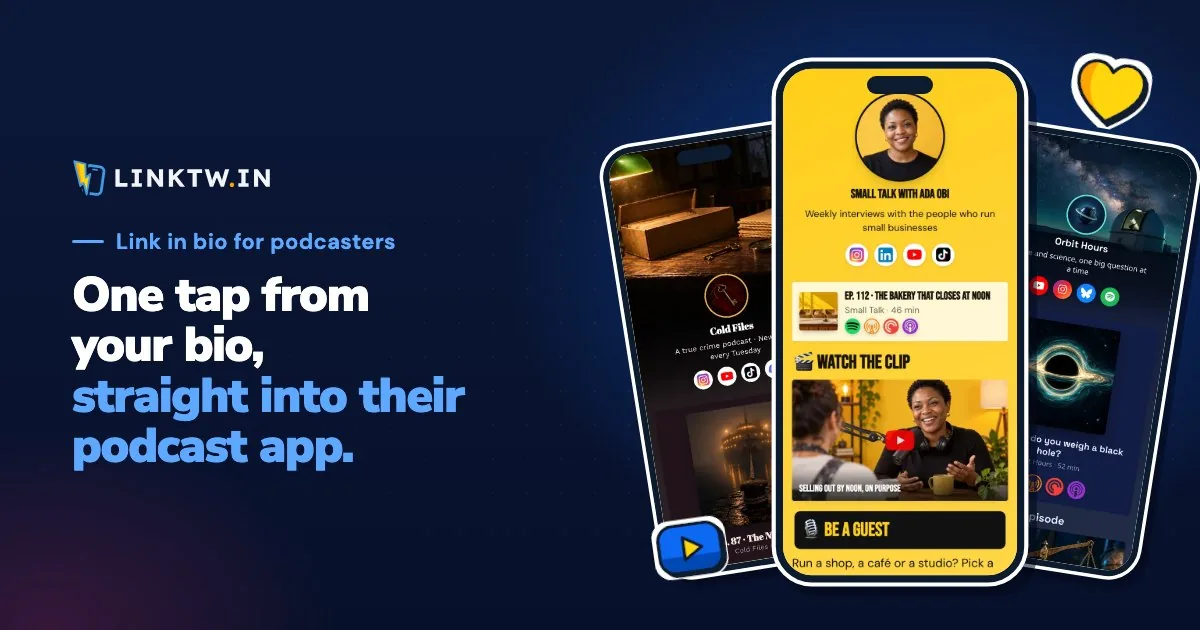
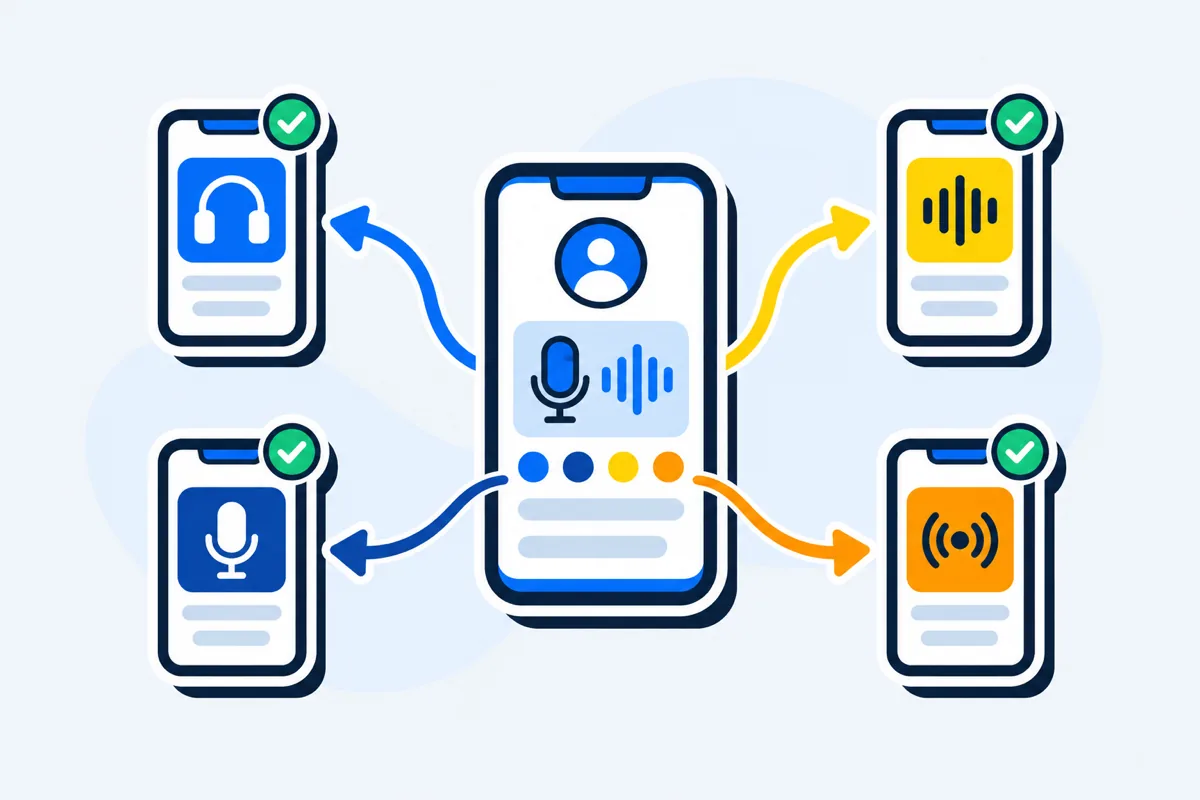
A podcast link in bio is one page with a button for each listening app, so every listener lands in the app they already use. A LinkTwin bio page opens Spotify, YouTube and Pocket Casts in the listener's app from Instagram or Threads on iPhone and Android, and Apple Podcasts on iPhone, where they're signed in with Follow right there.
Picture the usual week. You post a clip and write "new episode, link in bio." On a page of ordinary links, the Apple Podcasts button loads podcasts.apple.com as a web page inside Instagram's own browser instead of opening the app. That's a bio link opening in the browser, not a broken show link, and it's exactly what the buttons on a LinkTwin page fix.
One limit is Apple's, not ours. Apple's list of where Apple Podcasts runs covers iPhone, iPad, Mac, Apple Watch, CarPlay and smart speakers, and Android isn't on it, so an Apple button opens the episode's web page on Android. Put Spotify, YouTube or Pocket Casts beside it, since those open their apps on both phones. If a listener doesn't have the app at all, the button falls back to the web page in the phone's browser.
Which link to paste for each app
Each button needs the real link from that app, not a generic share page from your host. This is what to paste, and what a tap from Instagram or Threads opens.
| App | Link to paste | iPhone | Android |
|---|---|---|---|
| Apple Podcasts | The show or episode address from podcasts.apple.com | Opens the app | Opens the episode's web page |
| Spotify | Share, then copy the show or episode link | Opens the app | Opens the app |
| YouTube | The episode video, or your podcast playlist | Opens the app | Opens the app |
| Pocket Casts | The episode's share link | Opens the app | Opens the app |
podcasts.apple.com address. LinkTwin doesn't recognize a shortened Apple link as Apple Podcasts, so it can't open the app from it.Use the episode link when a post is about one episode, and the show link on permanent Follow buttons. The Apple Podcasts deep links and Spotify deep links pages show what each address opens, and music and podcast links that open the app lists the other listening apps.
What you swap each week, and what you set once
LinkTwin doesn't read your RSS feed. Each week you paste the new episode's link from each app into the top block, which takes a couple of minutes, and everything under it can sit still.
| How often | What the listener needs | Block |
|---|---|---|
| Every week | This episode, one tile per app, most-used app first | Multi links, or one Link button each |
| Every week | This week's sponsor code | Discount code |
| Once | Follow buttons that use the show link | Link |
| Once | A player for someone who won't leave the page | Music player (Spotify or Apple Podcasts) |
| Once | Video episodes, if the show is also on YouTube | Playlist set to Latest, or Latest Video |
| Once | Patreon, merch, your shop | Link, Product |
| Once | Guest booking, topic ideas, the new-episode email | Calendly, Contact form, Email capture |
Your podcast host's stats tell you which app to put first. On a permanent button, write the action ("Follow on Spotify") rather than only the app's name.
On YouTube, a podcast is a playlist and the episodes are the videos in it. Point a Playlist block at that playlist, choose Latest, and new video episodes show up on their own, so that block mostly looks after itself.
A Patreon page, a merch store or a sponsor's site is an ordinary website link, and from Instagram or Threads it opens in the phone's real browser rather than Instagram's.
Links to your own website or shop are included on every paid plan.
Guests can book a recording slot from a Calendly block without leaving your page. A Contact form makes a good suggest-a-topic box, and its messages can go on to Google Sheets or a webhook (Zapier, Make or n8n). Email capture collects addresses for the note you send when a new episode drops.
Calendly booking is available on every plan.
The contact form is available on every plan.
Email capture is available on every plan.
Label the sponsor code
Put the disclosure in the Discount code block's description, right next to the code: "Sponsored: 15% off at Acme". Check what the rules ask of the ad read itself in how to disclose sponsors and affiliate links.
Build the page
- Claim your handle on the LinkTwin link-in-bio page. The address ends in
/@yourshow. - Start from a podcast template or a blank page. Night Shift is for true crime, with a Patreon button and a "Suggest a case" form. Small Talk is for interview shows, with a "Be a guest" booking section and sponsor tiles. Deep Dive is for science and education, with a course card and a listener-questions form.
- Put this week's episode at the top. Each of these templates opens with an episode block; delete it and add a Multi links block in its place, one tile per app, using the links from the table.
- Add Follow links that use the show address, your YouTube playlist, sponsor codes and a signup.
- Paste the page address into every profile, your show notes and your emails. A page like this is the one address a link in bio is meant to be. In TikTok, links stay in TikTok's own browser until the listener picks Open in browser from its menu, which why TikTok links stay in TikTok walks through.
- Open your own Instagram bio on your phone and tap every button once.
It's free to start: the free plan includes 10 links and 500 clicks a month.
The page's bio analytics show page views, taps on each button, referrers, countries and devices, and a tile per app tells you which apps your listeners really tap. LinkTwin counts those taps. Plays, downloads and follows stay in your podcast host and in Apple's and Spotify's dashboards.